AI Lesson 4 — Teaching Claude to Remember
Every time you open Claude, you're starting over. No context. Projects fix that.
What is a Project?
A “Project” is a dedicated workspace inside Claude with two key features:
- Pre-loaded context — instructions, files, and memory you set up once
- Ongoing conversation history — Claude remembers what you’ve worked on together
Without Projects, every chat is a blank slate. With Projects, you build a tool that gets sharper as you use it.
Projects work best for specialized, recurring tasks.
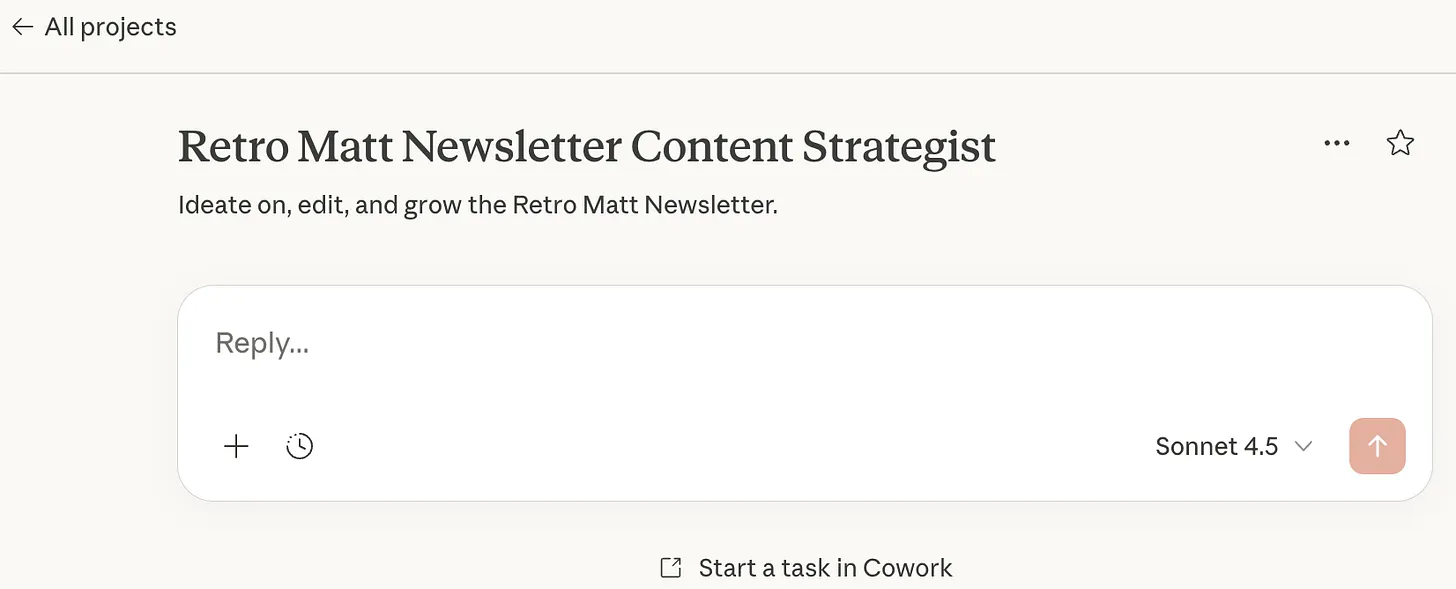
I created one called Retro Matt Newsletter Content Strategist1 to help with this newsletter.
The three Project components
Every Project includes:
- Memory
- Instructions
- Files
Memory
Memory includes two layers:
- Project memory (autogenerated as you work)
- Custom memory: (context you provide)
I uploaded my work history, audience, and content focus.
Instructions
Instructions define how Claude is to behave inside the project. Instructions should be organized by:
- Role — who Claude is supposed to be (editor, strategist, analyst)
- Behavior — how it should interact (direct feedback, no cheerleading)
- Constraints — what to avoid (hustle language, guru positioning)
- Output Structure — how to format responses
Instructions are fixed. Memory evolves.
For a full instructions example, see my RMNCS2 instructions here.
Files
Files give Claude context inside the Project. I uploaded all of my prior Substack posts to help it discern my writing voice and interests.
Setting up your Project
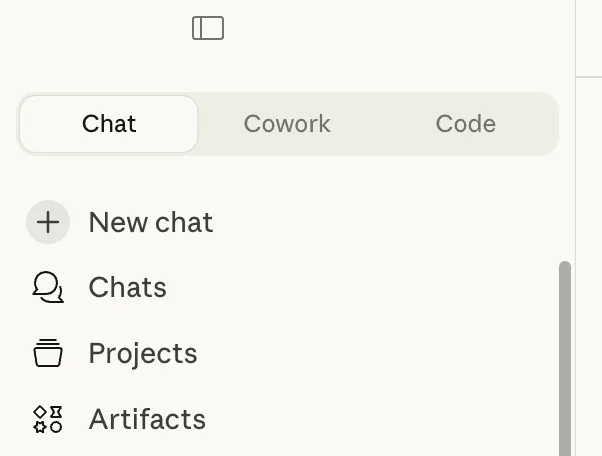
You’ll find Projects near the top of Claude’s left sidebar.
- Create a new Project and name it
- Add Custom Memory — just the facts, Jack
- Write Instructions — (role, behavior, constraints, output structure)
- Upload Files — reference documents for the project
Once set up, work inside Project instead of the main chat.
After setup: living documents
Add new files and adjust instructions as you get a feel for what you need. For example, I added an instruction to dial back the lecturing when editing my draft. Claude was telling me why typos are bad, and how they harm credibility. Yeah, I know, Claude. That’s why I want you to fix them …
You’ll want to fine-tune as you go.
Next: Lesson 5 — Context Engineering
Archived from Matt's newsletter.